Instructions
- Click on the button "Select target plant" to display target plant.
- Click on the button "Isolate/synthesise target genes" to display gene.
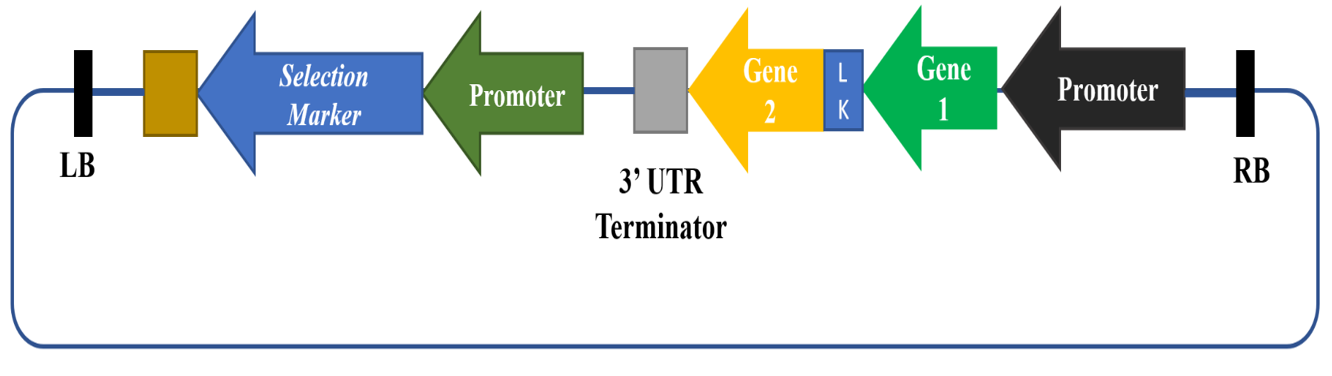
- Click on the button "Subclone genes into suitable plant expression vector" to display the recombinant vector.
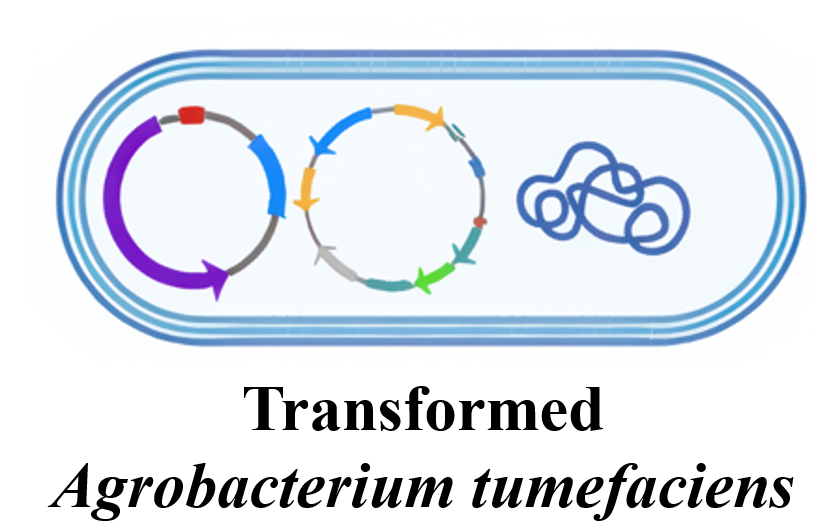
- Click on the button "Use recombinant vector with genes to transform Agrobacterium tumefaciens" to display Transformed tumefaciens cell.
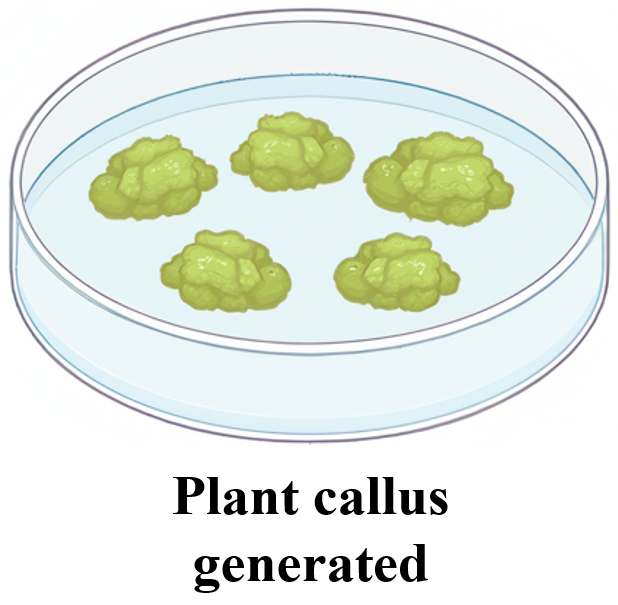
- Now click on the target plant image to display Plant callus.
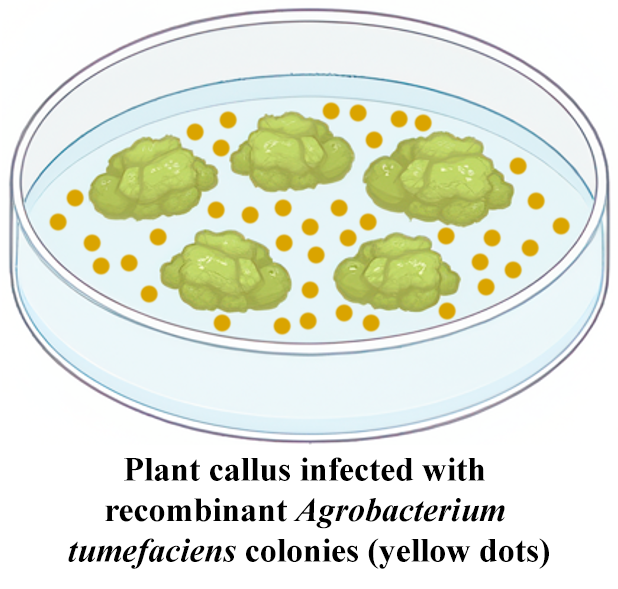
- Click on the button "Infect plant callus with transformed Agrobacterium tumefaciens harbouring the Ti – plasmid based recombinant plant expression vector" to display the plant callus with Agrobacterium tumefaciens colonies.
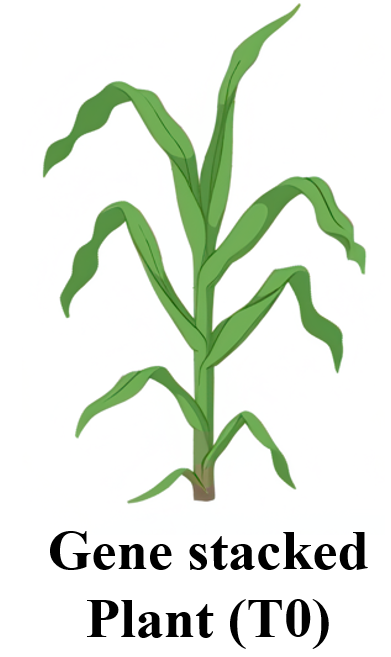
- Click on the button "Regenerate plant under antibiotic selection pressure from infected callus" to display gene stacked plant T0.
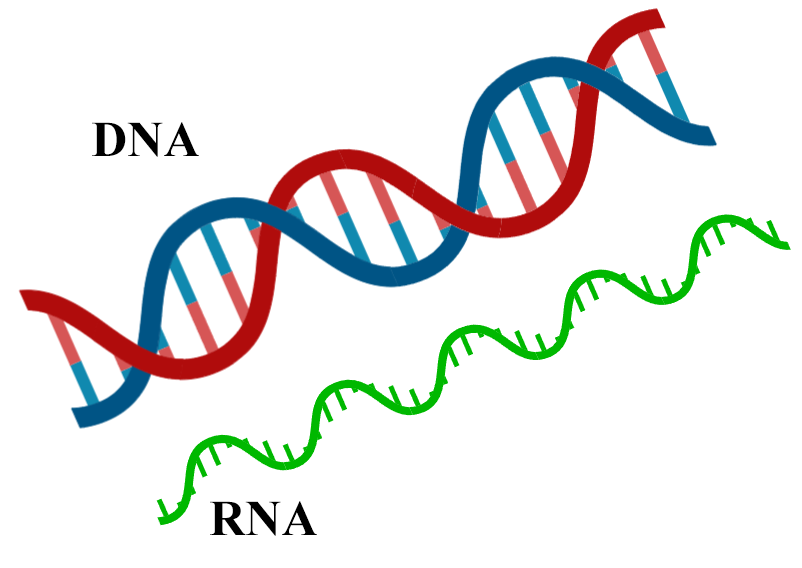
- Click on the button "Isolate DNA/RNA from T0 gene stacked plant" to display the DNA and RNA.
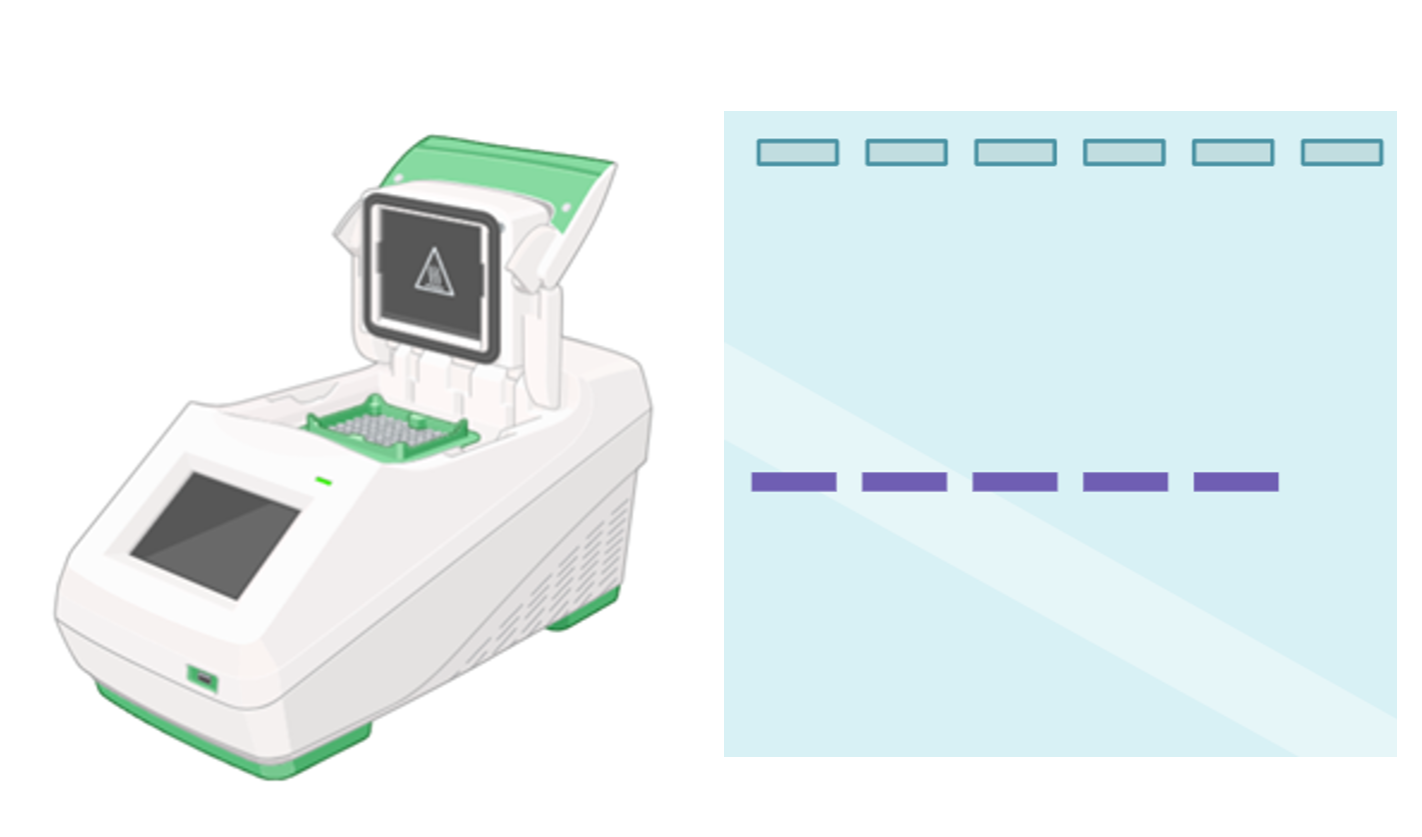
- Click on the button "Molecular confirmation by PCR/qPCR of T0 Plants" image to display the thermal cycler.
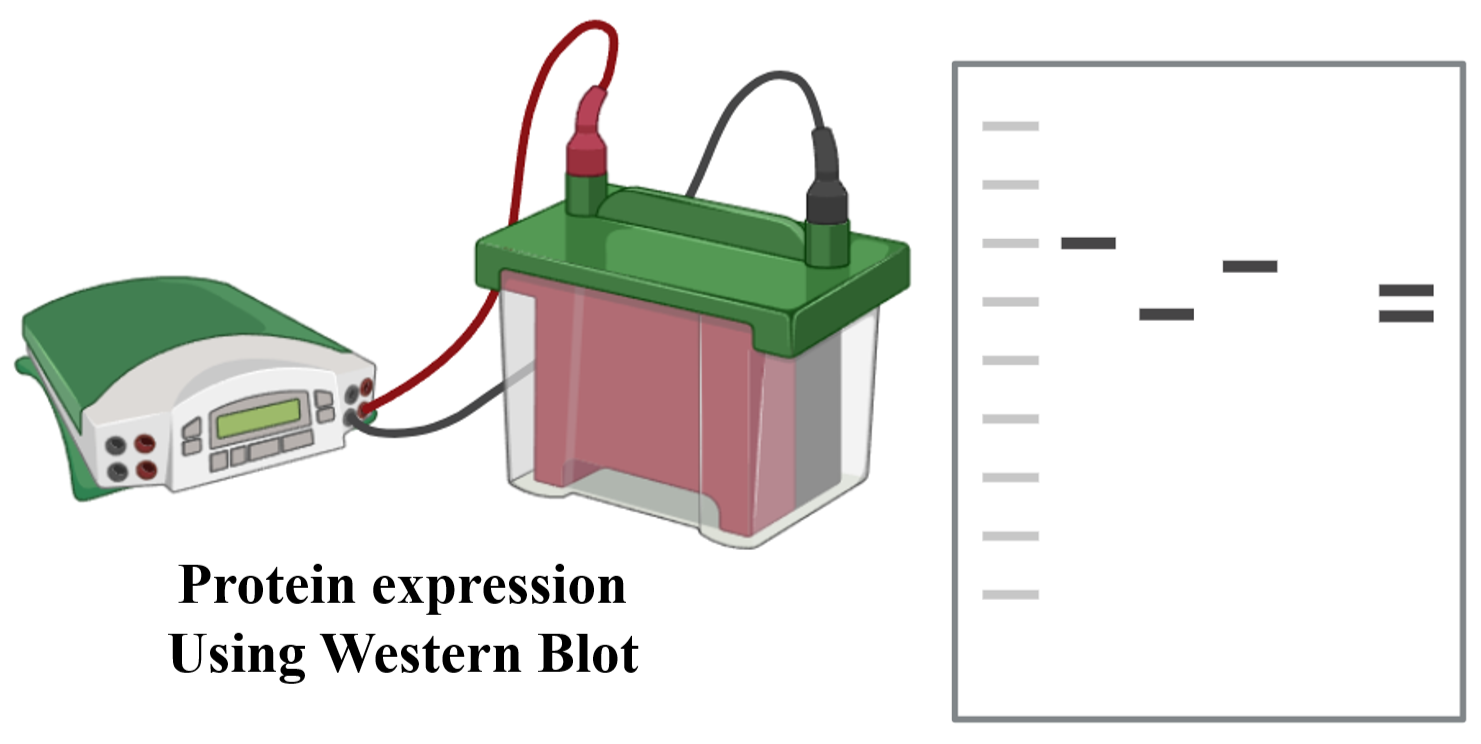
- Click on the button "Check protein expression by western blot" image to display the "Western Blot apparatus" image .
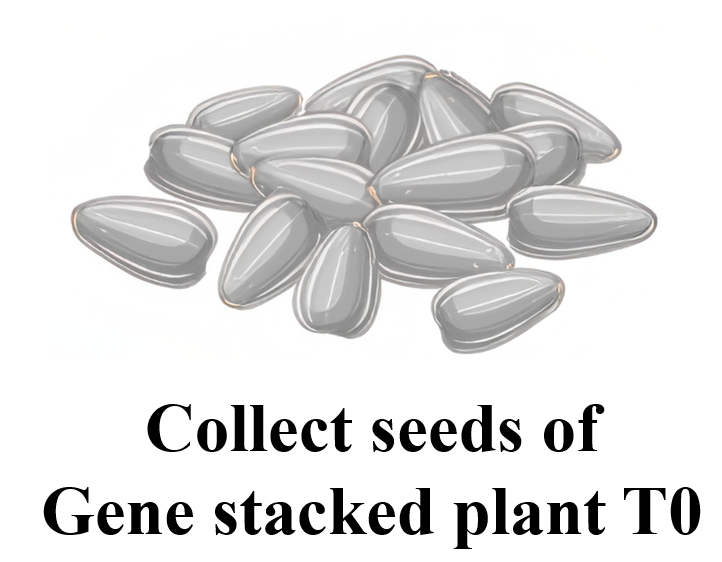
- Now, click on the button "Collect seeds from gene stacked T0 plants". This will collect the seed and plant seed image will appear.
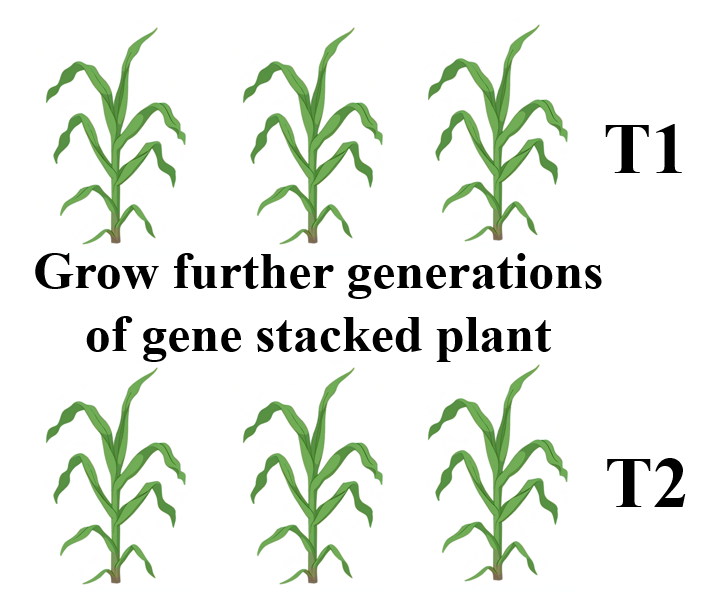
- Click on the button "Grow further generations of the plant (T1, T2, etc)" to grow further generations of the plant (T1, T2, etc).
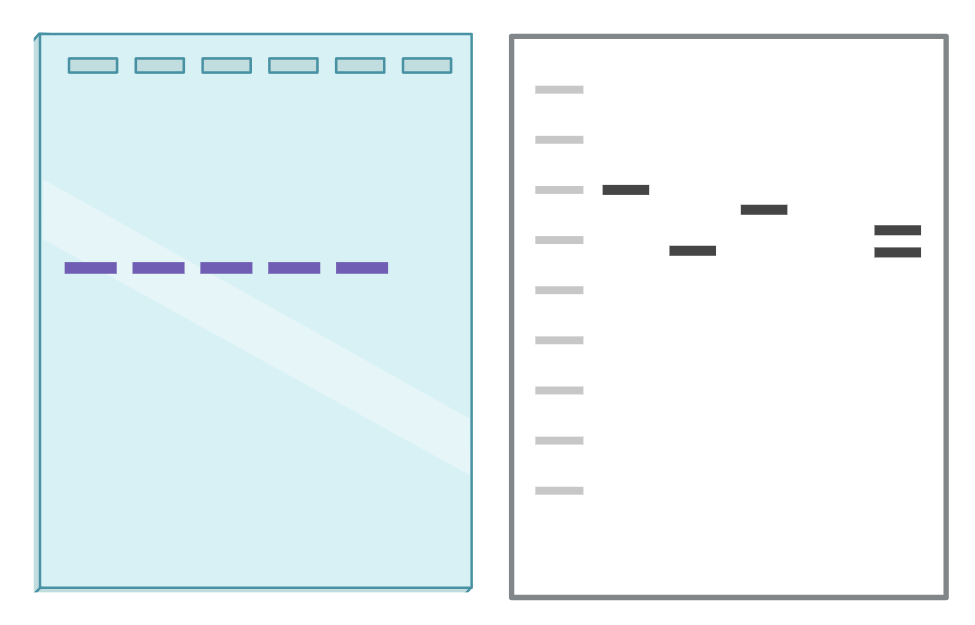
- Click on the button "Molecular re-confirmation of T1, T2, etc plants by PCR/qPCR and protein expression using Western Blot" to show DNA/RNA and protein bands.
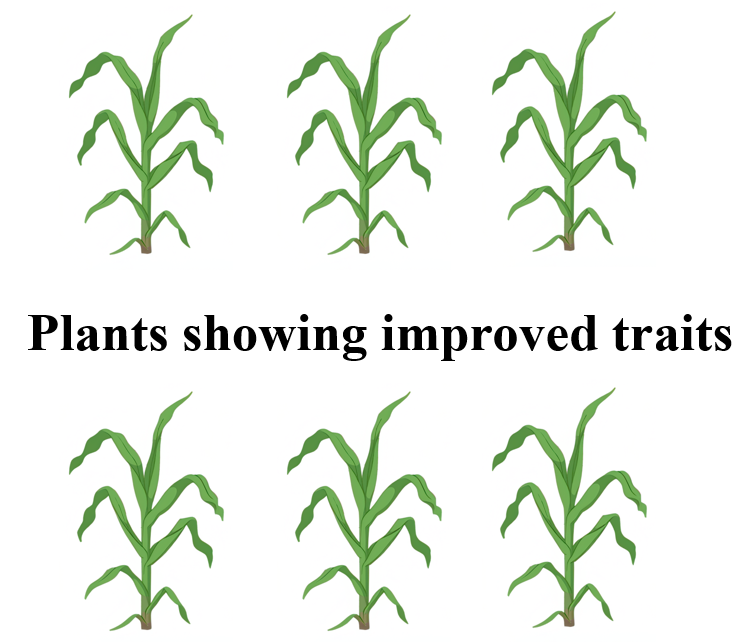
- click on the button "Evaluation of the introduced/improved traits in the gene stacked plants", to display the improved traits of plants.